
App Simulation — Start here
Get familiar with the app before you use it. 🧭
Run the complete guided platform simulation first. It walks through Biological Age, the Health Stack and publishing to patients using safe test data. Use it before working with a real doctor or patient.
Standalone clinical tool
Medical Case Triage
Run the doctor-led multi-AI clinical conference as a standalone case, without first opening Biological Age or Longevity. The doctor receives one consolidated synthesis, can review individual AI opinions if needed, record the final clinical decision, save, print and send approved patient instructions.
Open Medical Case TriageHallmark Precision Health clinical tools
Enhanced Consultation Tools
- ZedMed remains your primary patient-management and medicolegal record for appointments, patient files, clinical notes, tasks/queue and progress notes.
- Use Hallmark Precision Health here for Biological Age, Longevity Stack, patient uploads, clinical tools and generated reports.
- Any DOCX report or clinical note created in Hallmark Precision Health should be saved or uploaded to the patient's ZedMed record so the authoritative clinical file remains complete.
Everything else
MANAGE MY CLINIC
Every existing tool is still here and fully working — collapsed by default so your daily screen stays simple.
Access Full Suite of Management Tools and Settings

AI Clinical Case Triage
AI Clinical Case Triage
Doctor-only multidisciplinary AI review using the existing DrRob Clinical Agents, OpenAI, Claude, Gemini and Perplexity evidence research. Compare independent opinions, current evidence, agreement, disagreement, safety concerns and unresolved questions before making the final clinical decision.
Open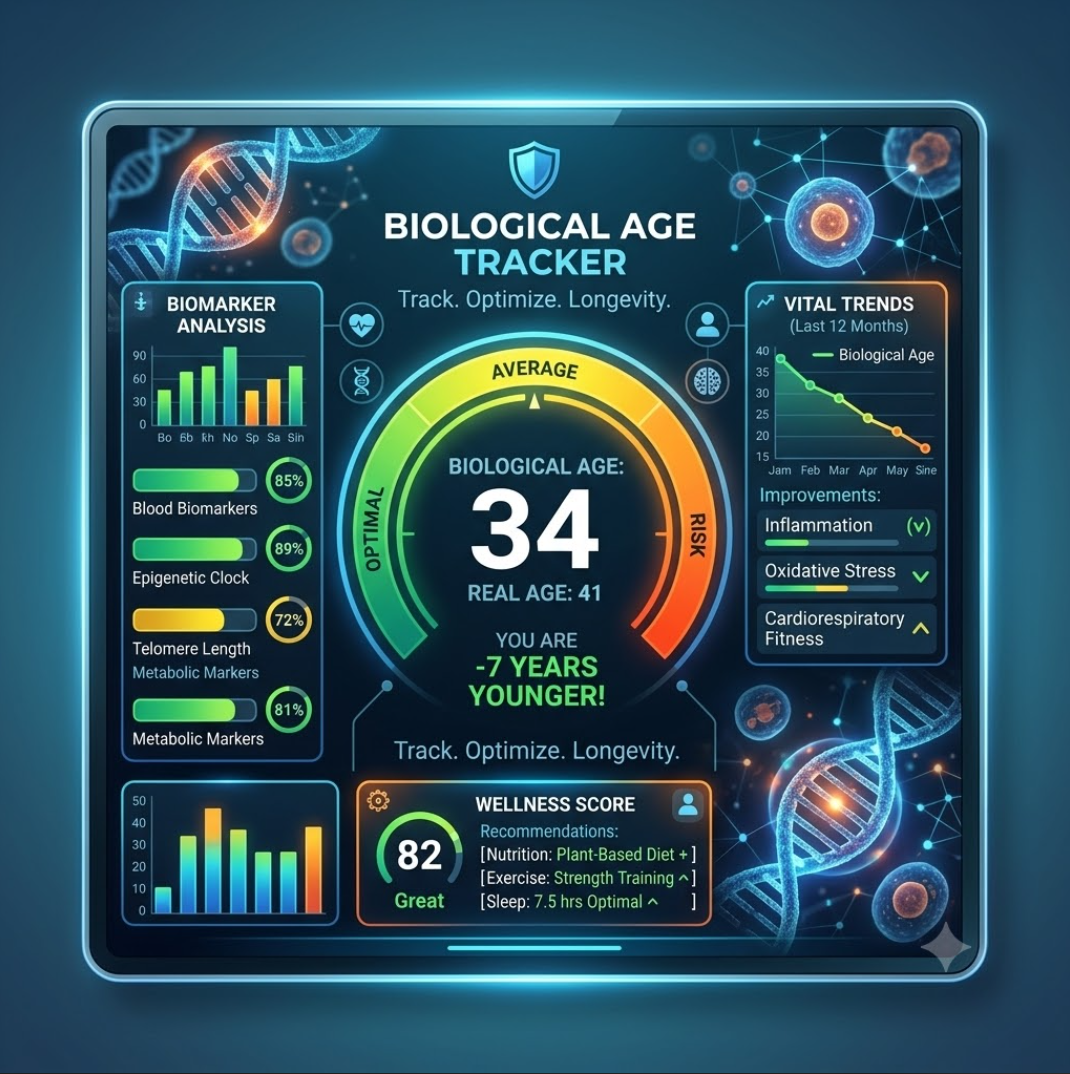
Biological Age Tracker
Biological Age Tracker
Review patient pathology uploads, extracted biomarkers, draft programs and publish doctor-approved Biological Age reports.
Open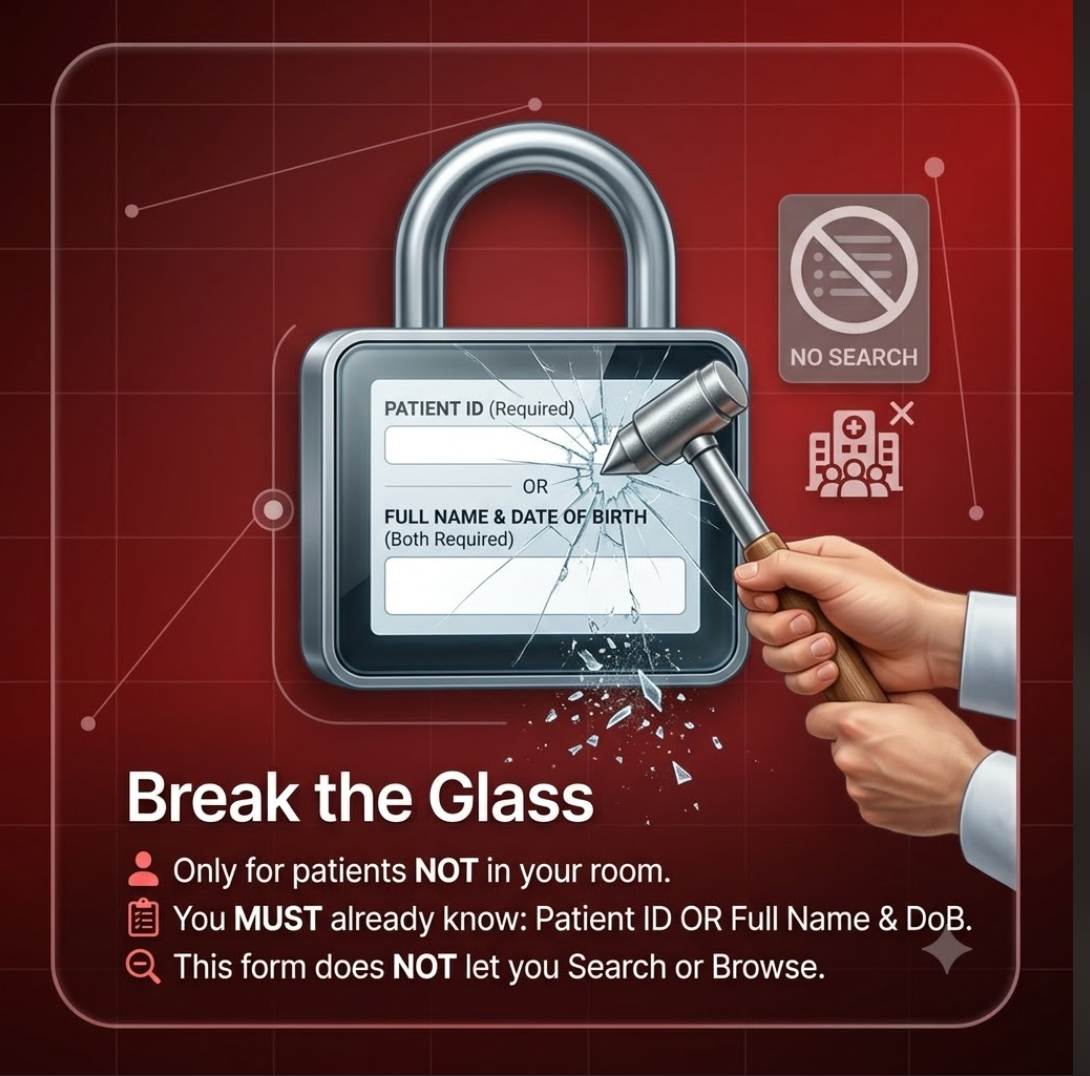
Break the Glass
Break the Glass
Verified, logged access to a specific patient outside your own room — for a referral or covering another doctor, never a search or browse tool.
Open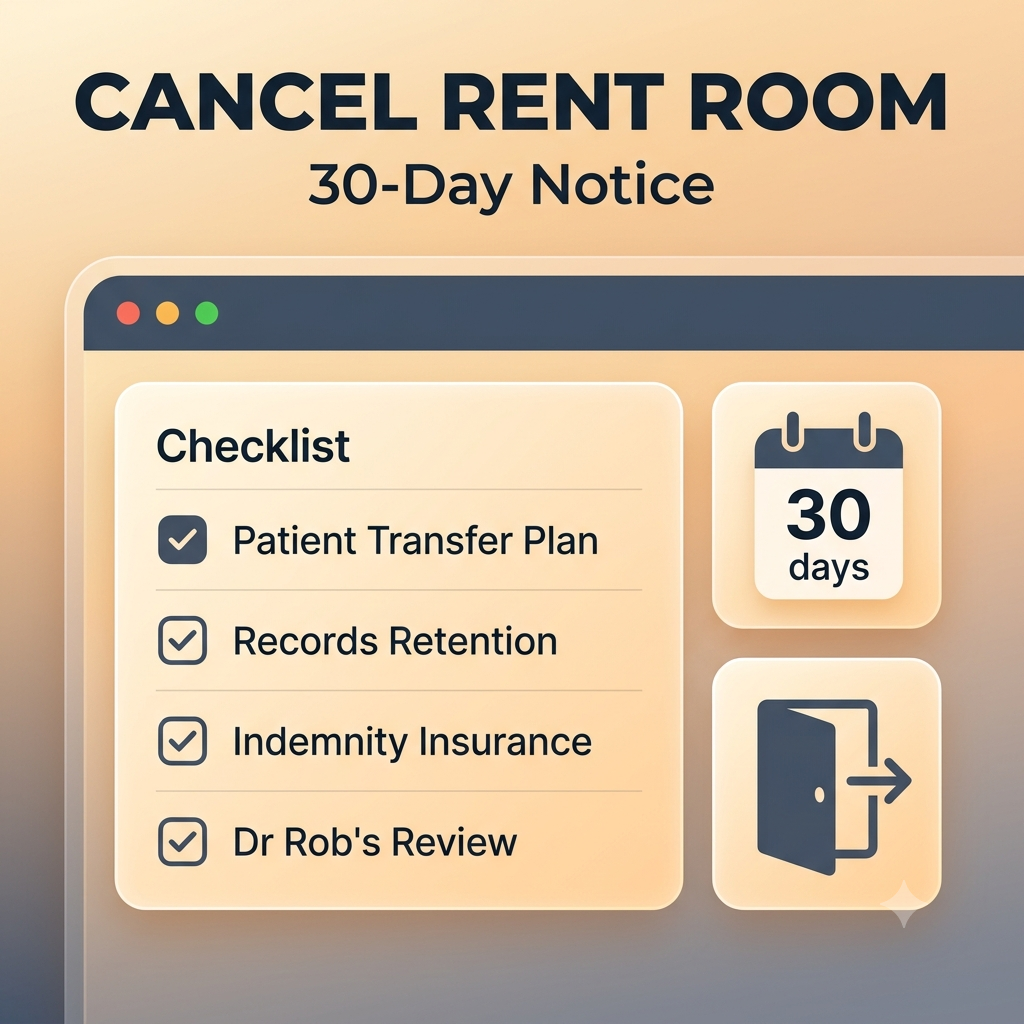
Cancel Rent Room
Cancel Rent Room
Give 30-day notice to end your room tenancy — patient transfer plan, records retention, indemnity insurance and Dr Rob's review, all in one form.
OpenClinical Knowledge Bank
Clinical Knowledge Bank
De-identified, aggregated case-outcome insights across every doctor's AI Clinical Case Triage cases — what actually held up, built from outcomes doctors record after publishing a case.
Open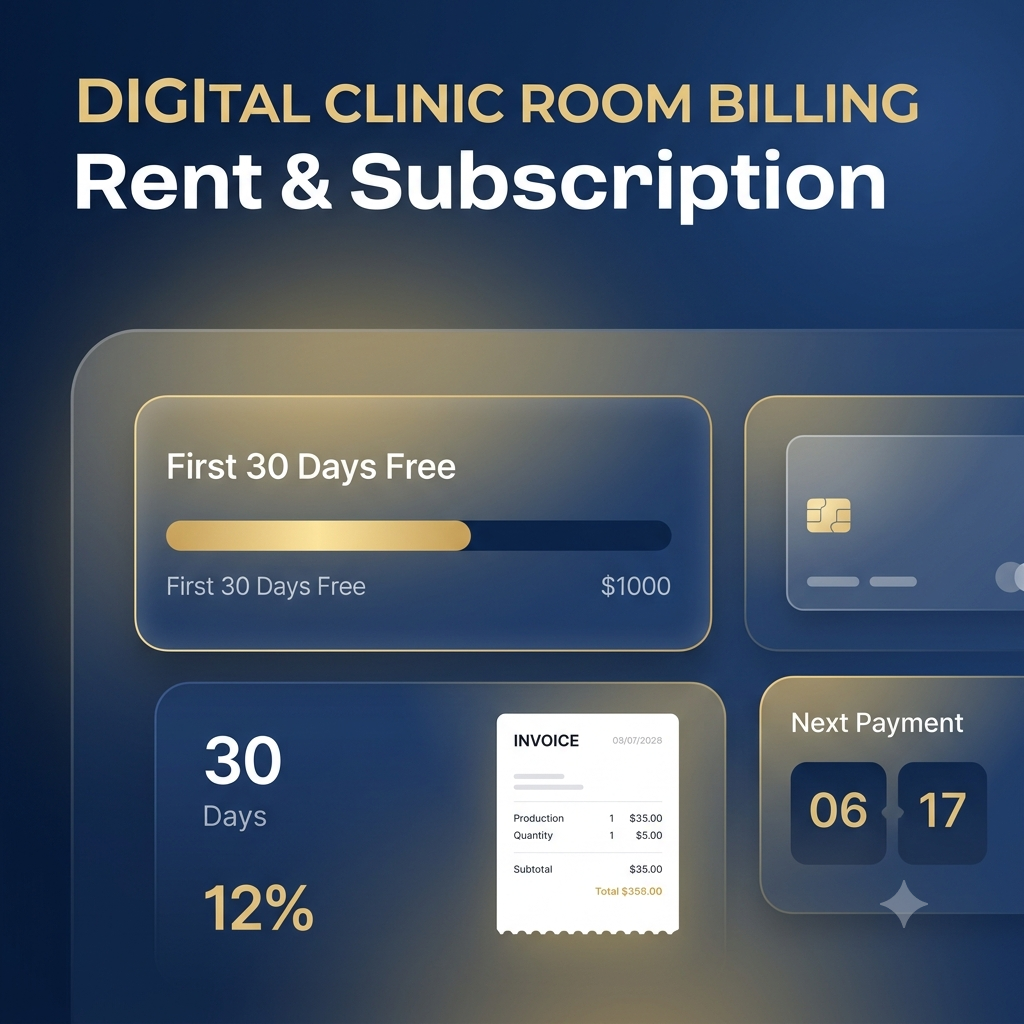
Digital Clinic Room Billing
Digital Clinic Room Billing
Activate PayPal billing, see the first 30 days of Digital Room rent waived, your next rent payment and subscription status. Zedmed and other charges apply from activation.
Open
Doctor Admin Manual
Doctor Admin Manual
The operator guide for this dashboard — every tile, what it does, and your responsibilities using it.
Open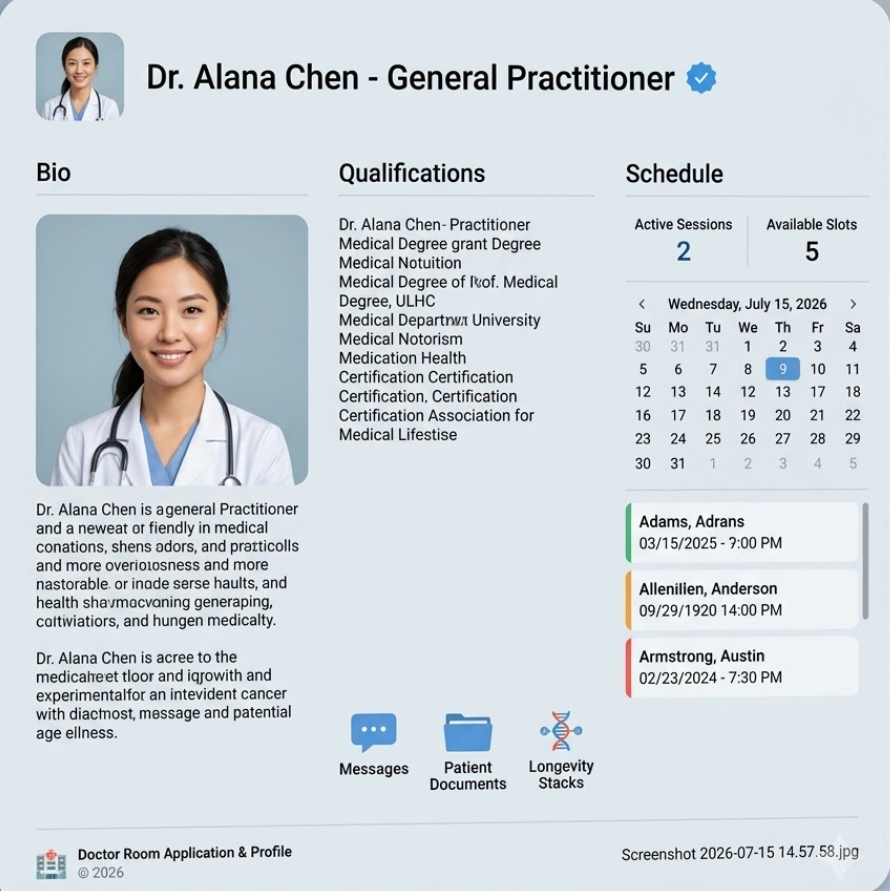
Doctor Room Application & Profile
Doctor Room Application & Profile
Edit your doctor application/profile details, replace your image, update About text and manage your Zedmed booking link.
Open
Doctor's AI Personal Assistant
Doctor's AI Personal Assistant
Speak or type to your built-in AI Personal Assistant for navigation, read-only patient summaries and doctor-reviewed drafts. It is AI software, not a doctor, and sensitive actions are never executed automatically.
Open
Forms
Forms
Open all doctor and patient forms in one place.
Open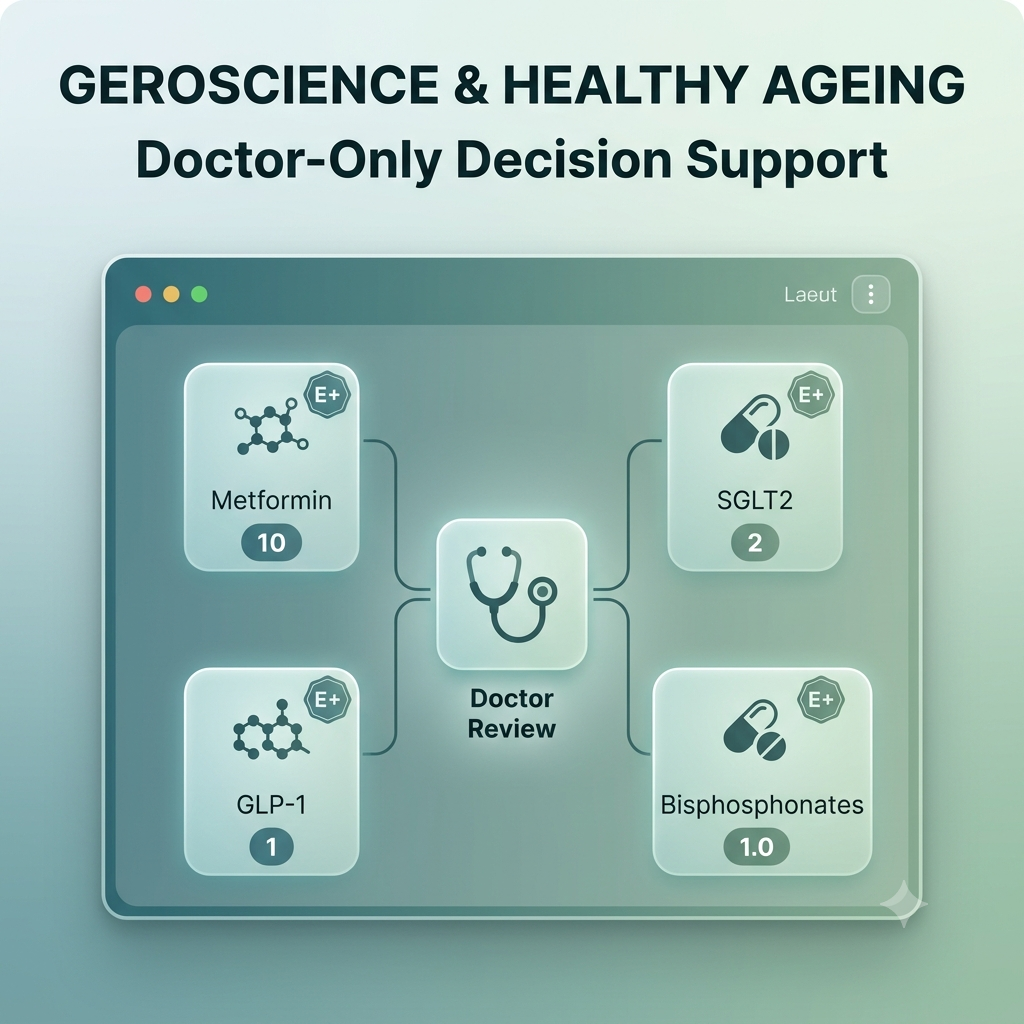
Geroscience & Healthy Ageing
Geroscience & Healthy Ageing
Review your patient's Longevity Assessment against geroscience evidence for metformin, SGLT2 inhibitors, GLP-1 receptor agonists and bisphosphonates. This is doctor-only decision support — never an automatic four-drug longevity stack.
Open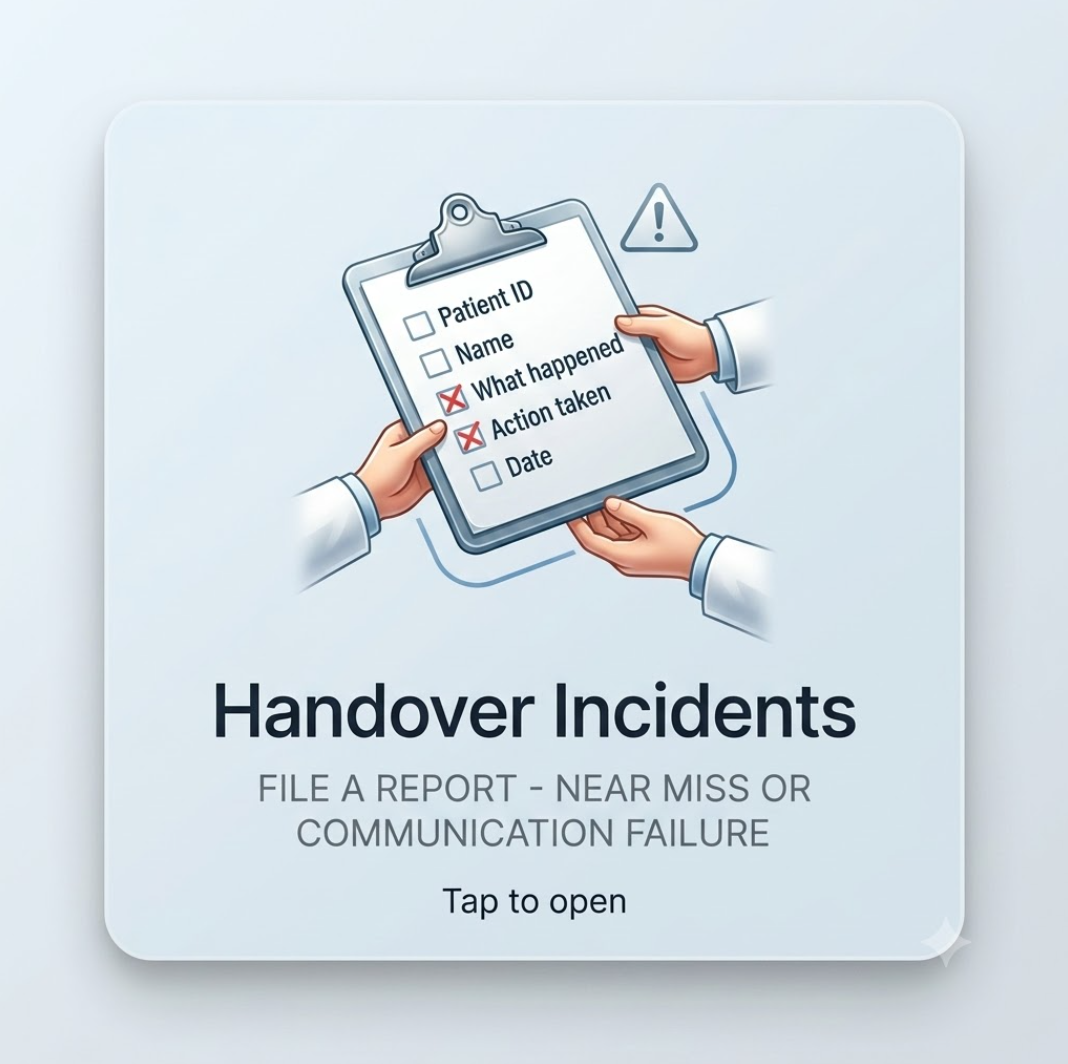
Handover Incidents
Handover Incidents
File or review a handover breakdown, near miss, or communication failure for continuous improvement.
Open
Library
Library
Browse the complete A-Z PDF education library using the original Library cover artwork.
Open
Longevity Course Manual
Longevity Course Manual
Open the four physician course manuals for the complete Longevity Blueprint education program.
Open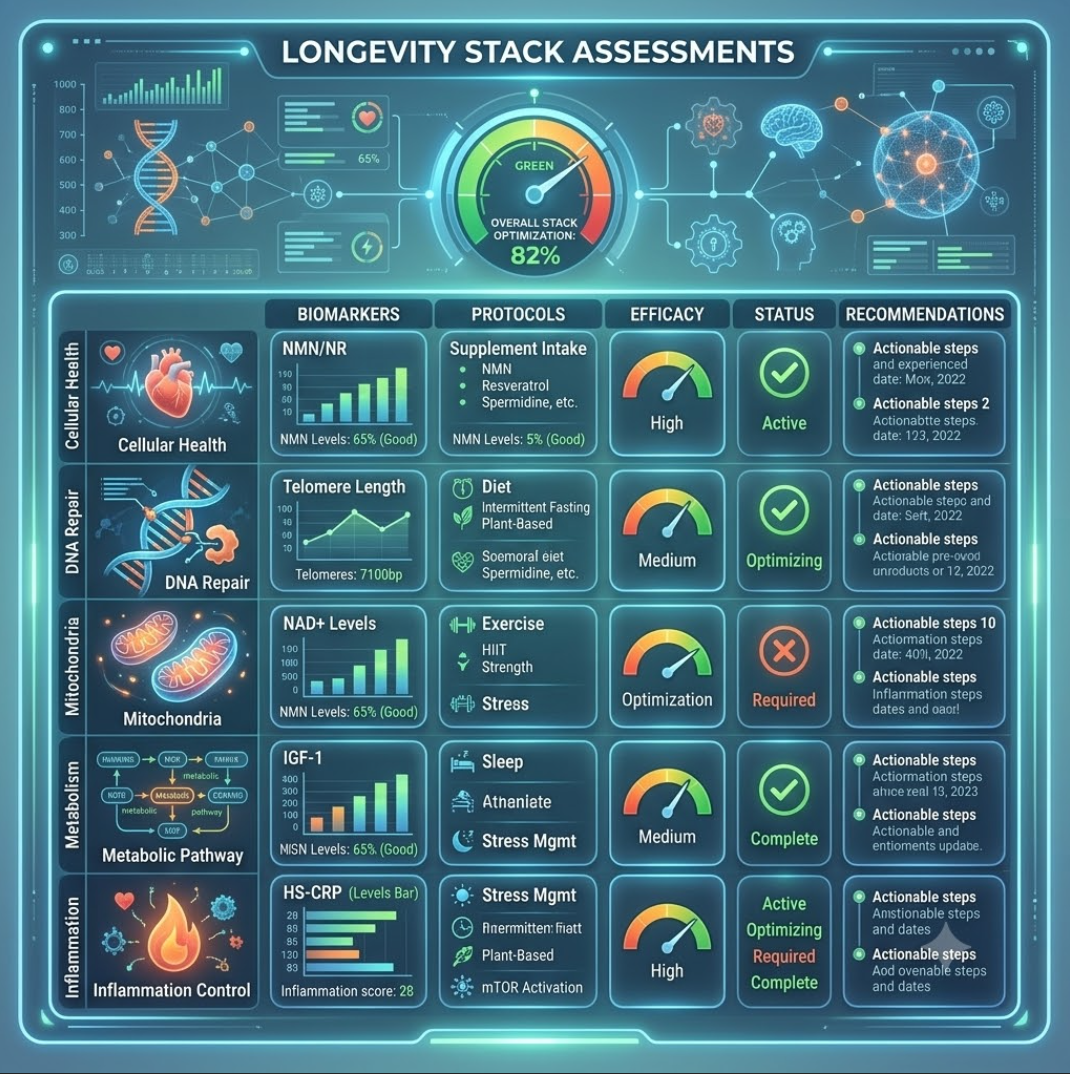
Longevity Stack Assessments
Longevity Stack Assessments
Upload labs, review the auto-generated draft stack, and publish your doctor-approved longevity stack to the patient.
Open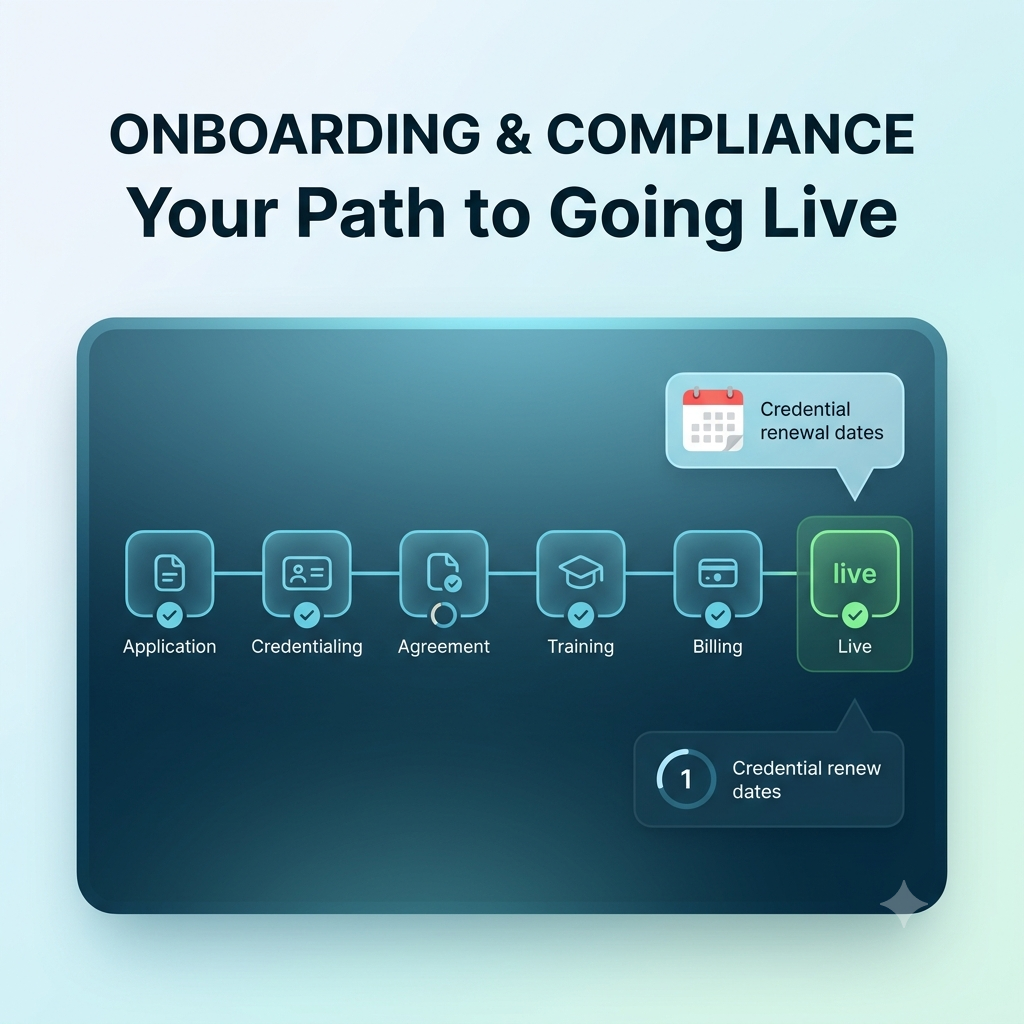
Onboarding & Compliance
Onboarding & Compliance
Track every stage of joining Doctors Rooms — application, credentialing, agreement, platform training, billing and going live — with the target turnaround for each, plus your credential renewal dates.
Open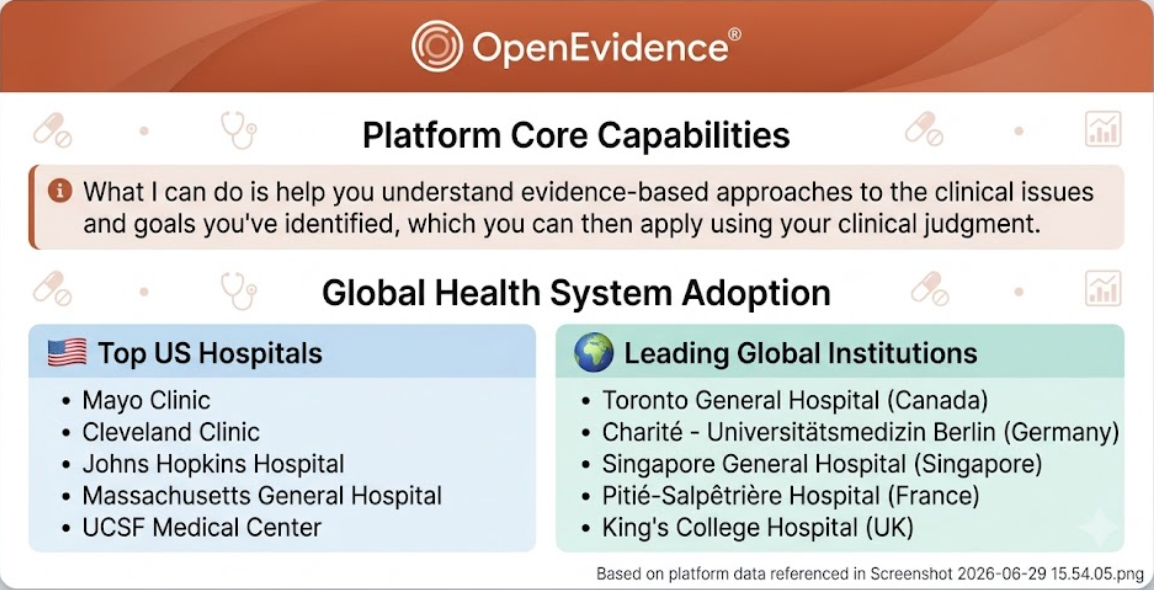
OpenEvidence — Evidence-Based Clinical Answers
OpenEvidence — Evidence-Based Clinical Answers
Free plan to start. Ask clinical questions and get evidence-backed, referenced answers to support your clinical judgement (it does not replace it). Opens openevidence.com in a new tab.
Open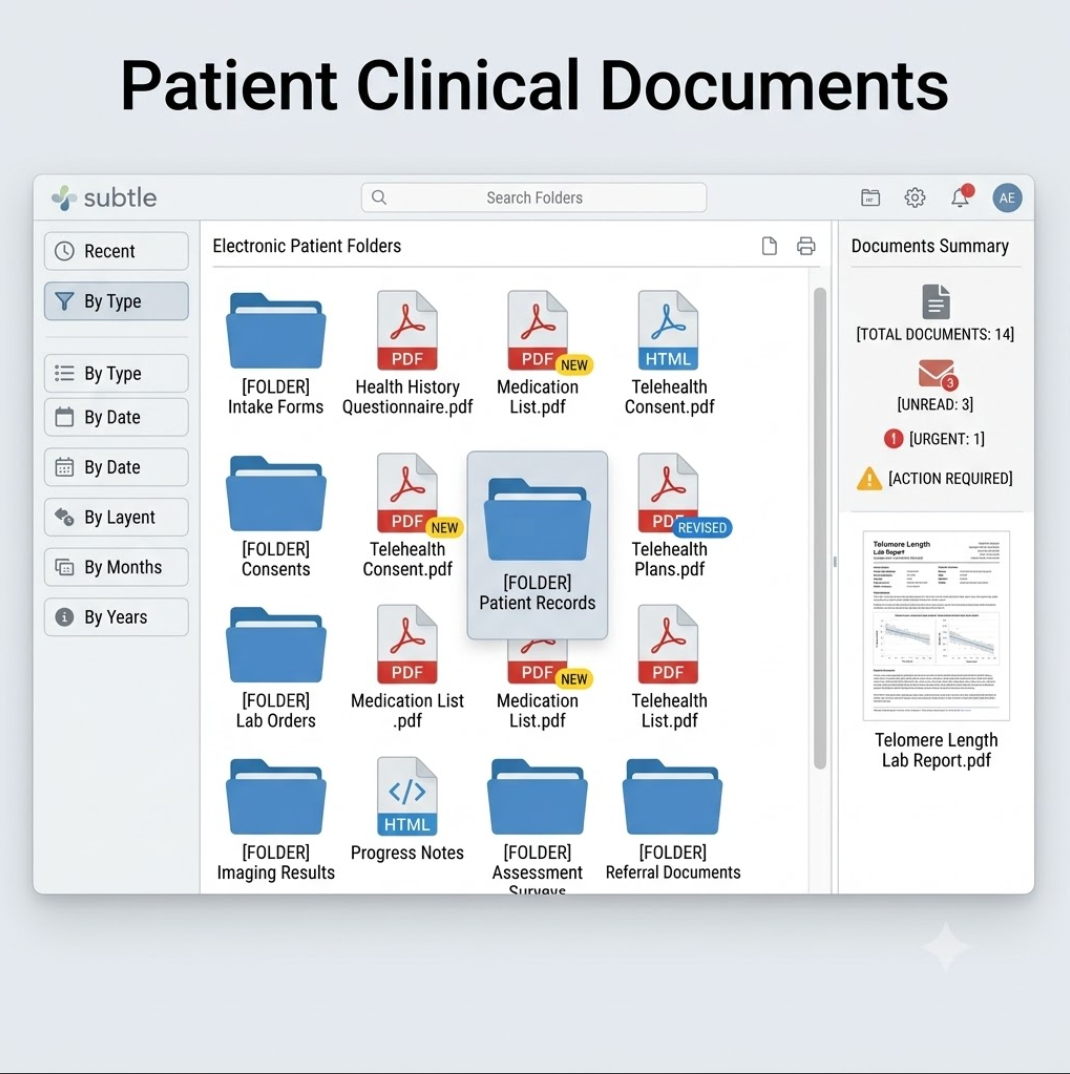
Patient Clinical Documents
Patient Clinical Documents
Review pathology, images, referrals and files your patients upload — routed only to your admin portal.
Open
Patient Education Library
Patient Education Library
Patient-facing education material, ready to open, download or send to a patient during a session.
Open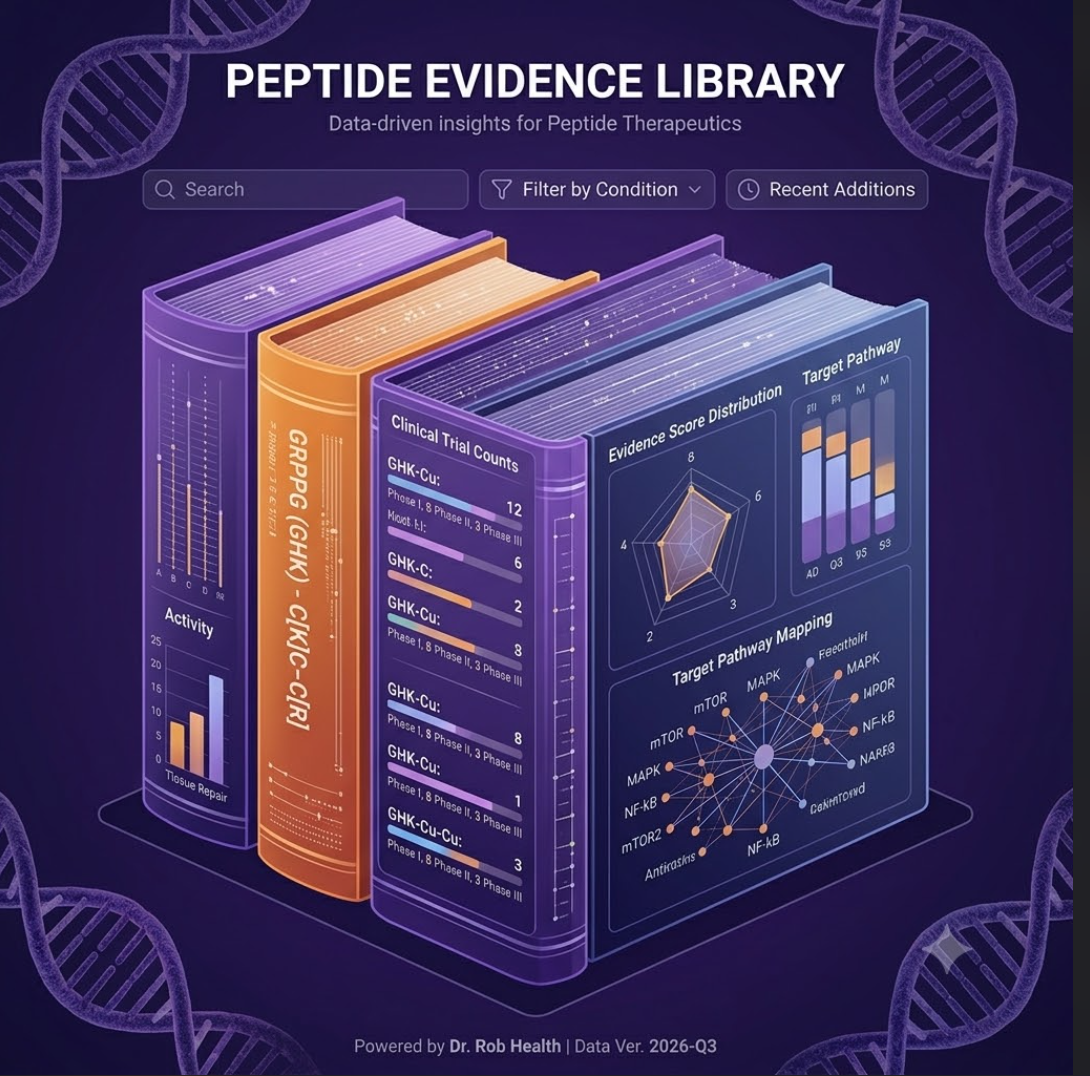
Peptide Evidence Library
Peptide Evidence Library
Search approved, investigational and unapproved-market peptides, update research stages, and create an evidence-linked patient review for doctor judgement.
Open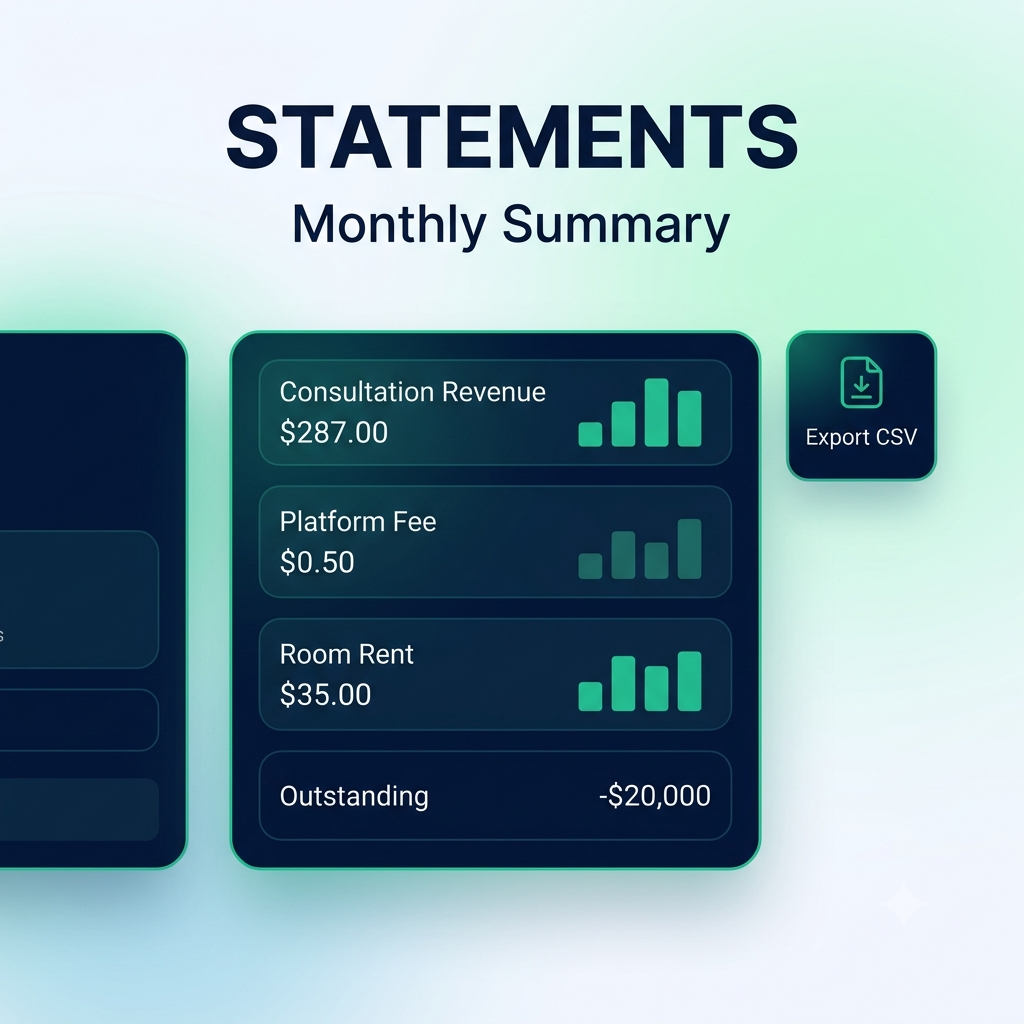
Statements
Statements
Your monthly statement: reported consultation revenue, the platform fee on it, Digital Clinic Room rent, anything outstanding, and a CSV export for your accountant.
Open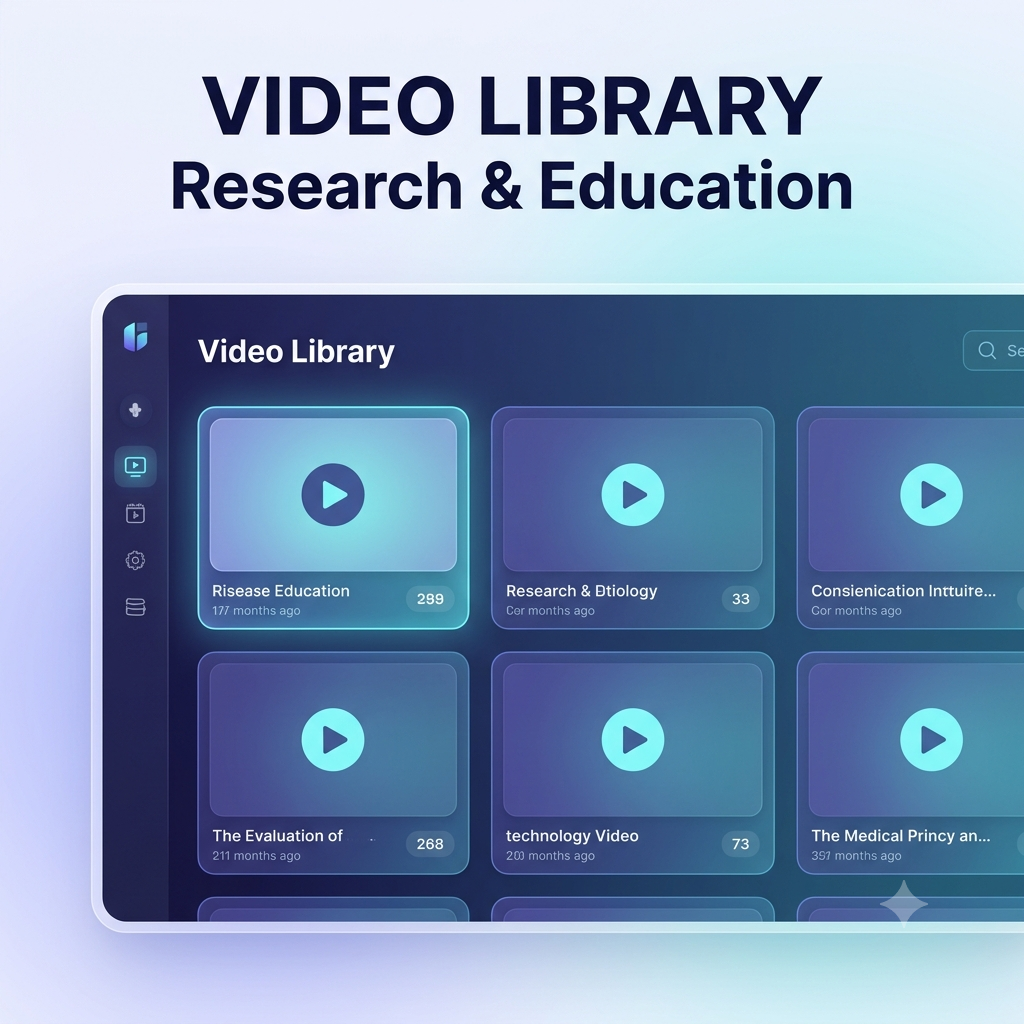
Video Library
Video Library
Browse the public Video Library — curated research and education videos, same content patients and Main Admin see.
Open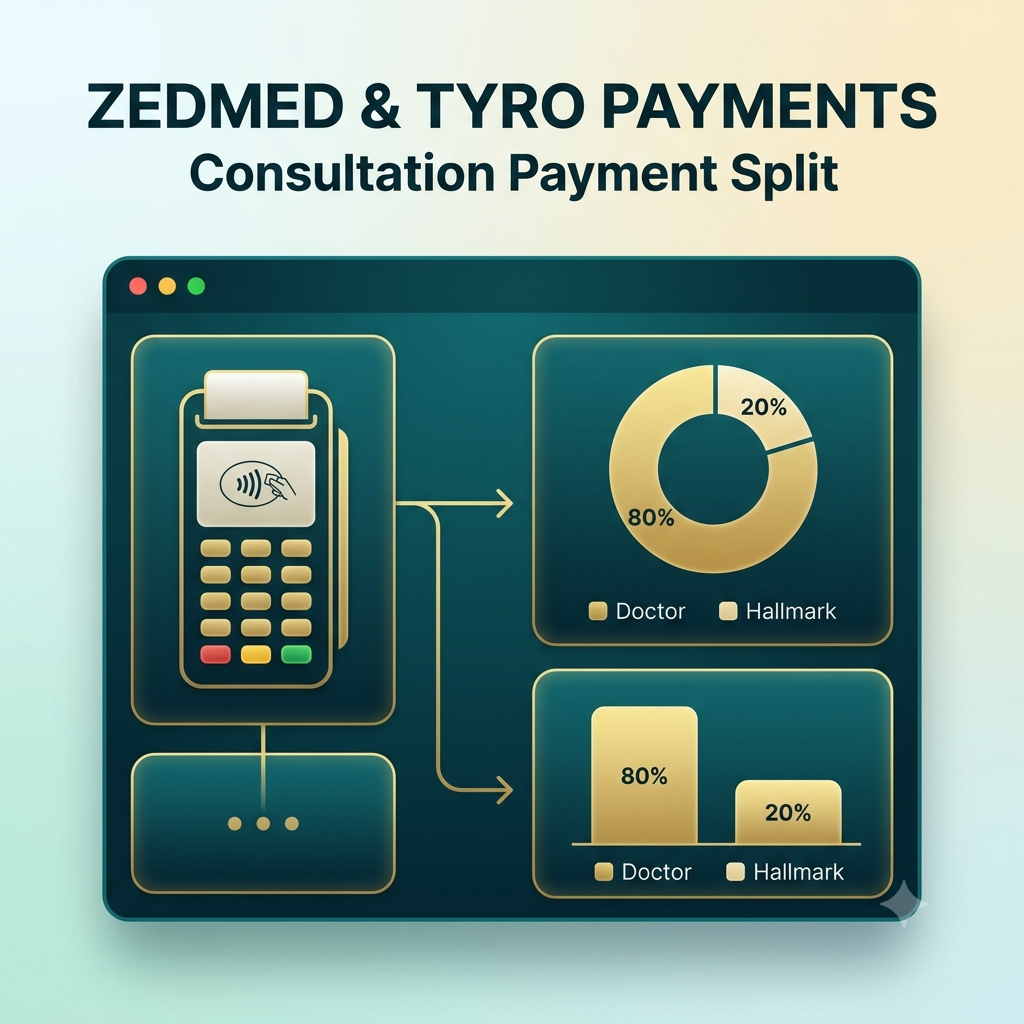
Zedmed & Tyro Payments
Zedmed & Tyro Payments
Review how Zedmed/Tyro processes patient payments and the 80% doctor / 20% Hallmark settlement.
OpenWhat your patients receive
Patient Portal
Your patients log in to their own private workspace with your clinic's branding and booking. See the full patient portal — every card, flippable — on its own page.
Doctor Referral Benefit
Refer a doctor. Earn a free month of Digital Room rent.
Open referral email ▾
Doctor Referral Benefit
Refer a doctor. Earn a free month of Digital Room rent.
A short referral email is ready below. Change any wording you want, enter the doctor's email address, then Save, Print or Delete as needed. When you are happy with it, click Send.
Send a Referral Email
Short doctor-to-doctor invitation
https://www.drrobhealth.com/doctors-rooms/applyReferral reward is a Digital Room rent credit, not a cash payment. One free month of Digital Room rent is earned only after the referred doctor actually joins and activates their Digital Doctor Room; approval alone does not earn the reward.
Doctor Admin
Your entire Doctor Admin portal, in one place.
Every card below opens the real page. You'll only ever see your own patients, uploads, documents and reports.
Next steps: You will receive an email directing you to connect with ZedMed and its online electronic health record, ZedCloud. They will organise your details, including electronic prescribing and banking details, and integrate these into your own digital workplace.